TAUMAR
A website for a professional training provider. It makes the catalogue easier to navigate and guides visitors from choosing a course to applying through an external system.
The challenge
How do you make similar courses easier to tell apart?
TAUMAR provides continuing professional education for nurses and midwives. Visitors need to distinguish between training types, compare programmes and find out where to apply. I designed the site around those three decisions: choose a category, check the programme, then move on to applications.
How it works
From category to application
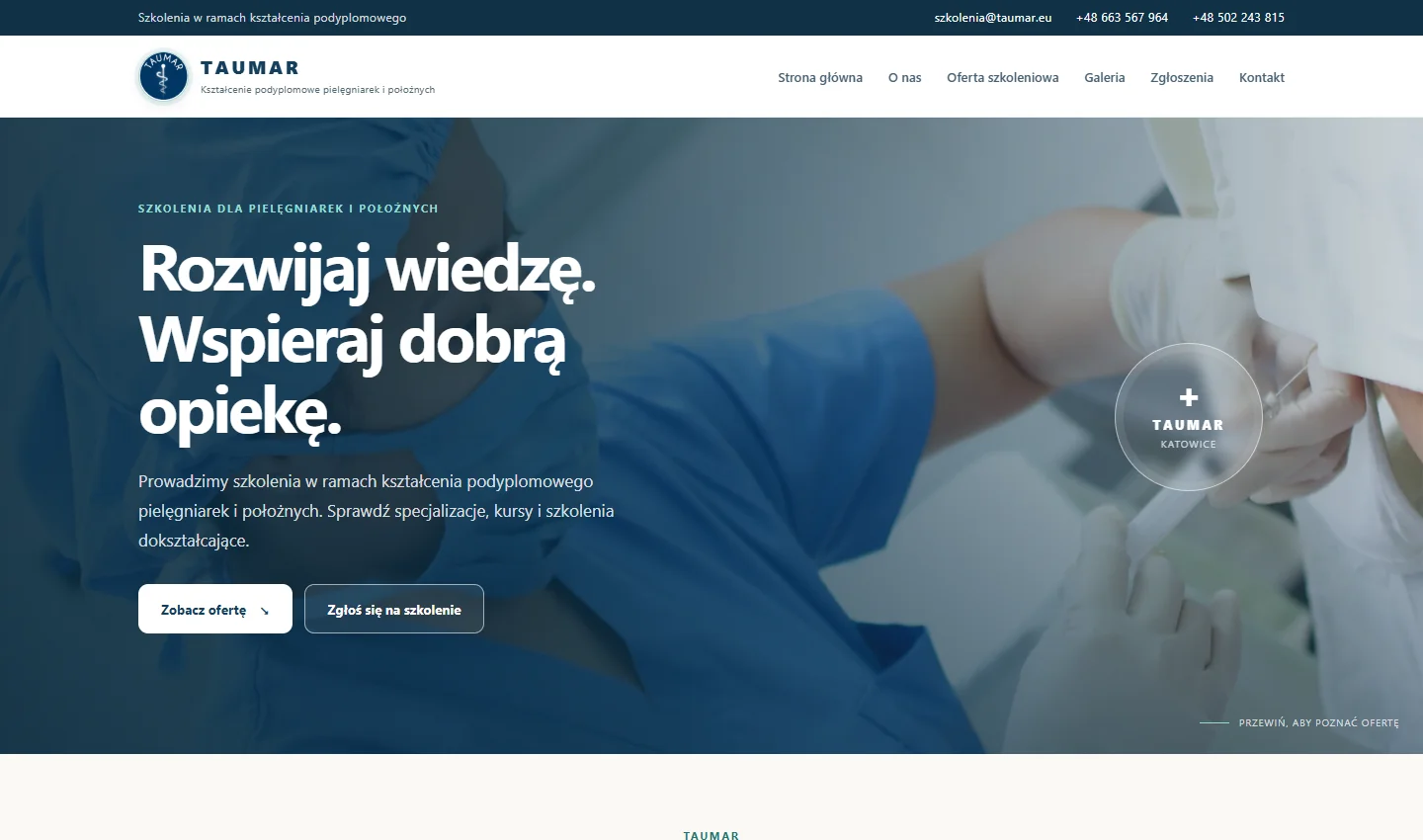
These three views from the live site show what visitors can find at each step.
Start with a training category
The catalogue is divided into four categories. Each has its own URL, so someone can share a link to the relevant group without sending the recipient back to the home page.
Open the catalogue ↗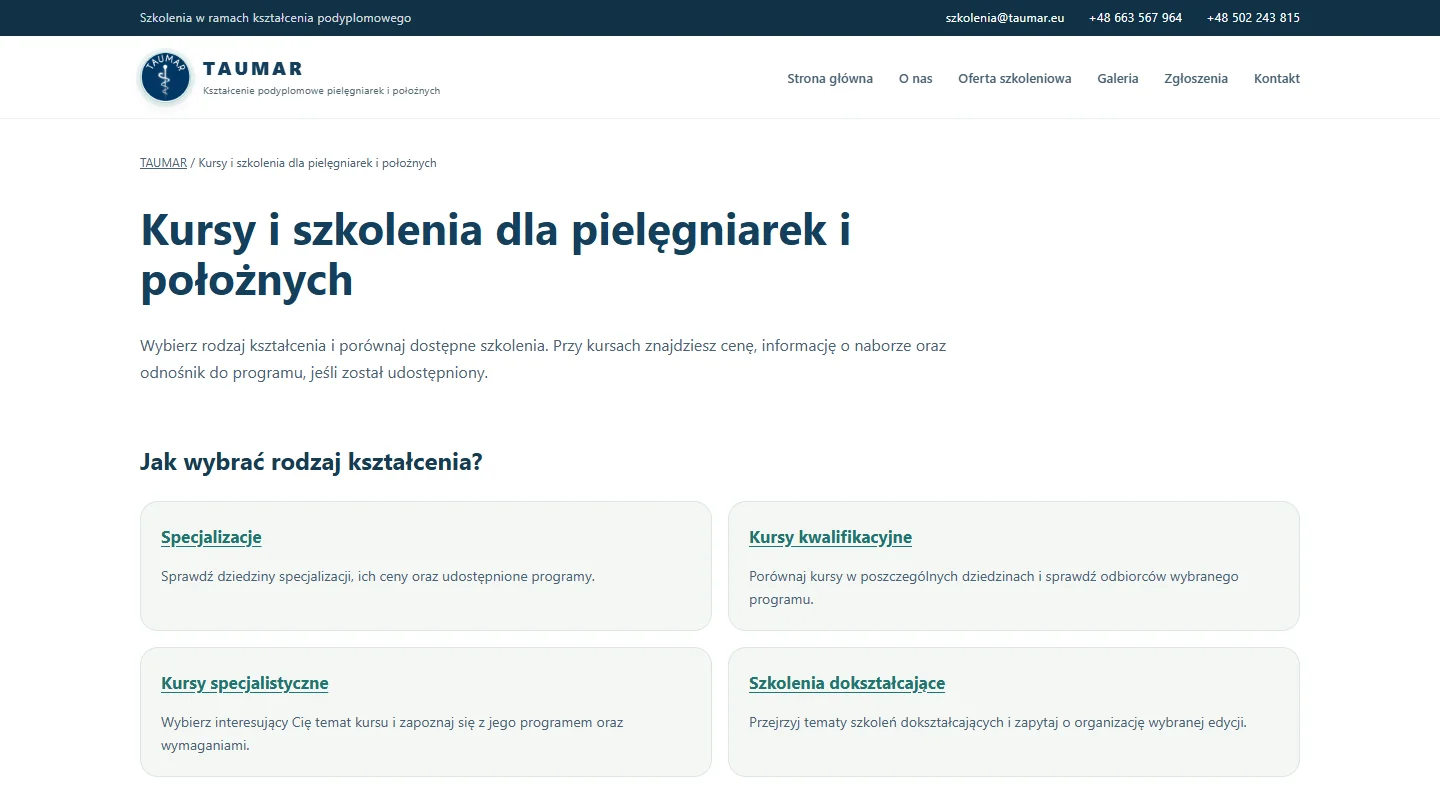
Check the listing and its source
Each listing shows the course name, price and enrolment status. The ECG example links to the official CMKP programme so visitors can check what it covers before deciding to apply.
See the specialist course list ↗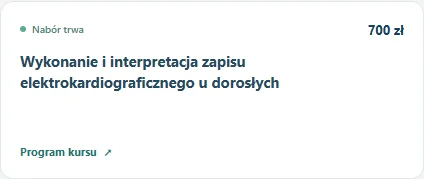
Find out where to apply
A dedicated guide explains how to reach the Polish Training Monitoring System (SMK) after choosing a course. Applicants submit their forms in SMK; the TAUMAR website helps them prepare for that step.
See the application guide ↗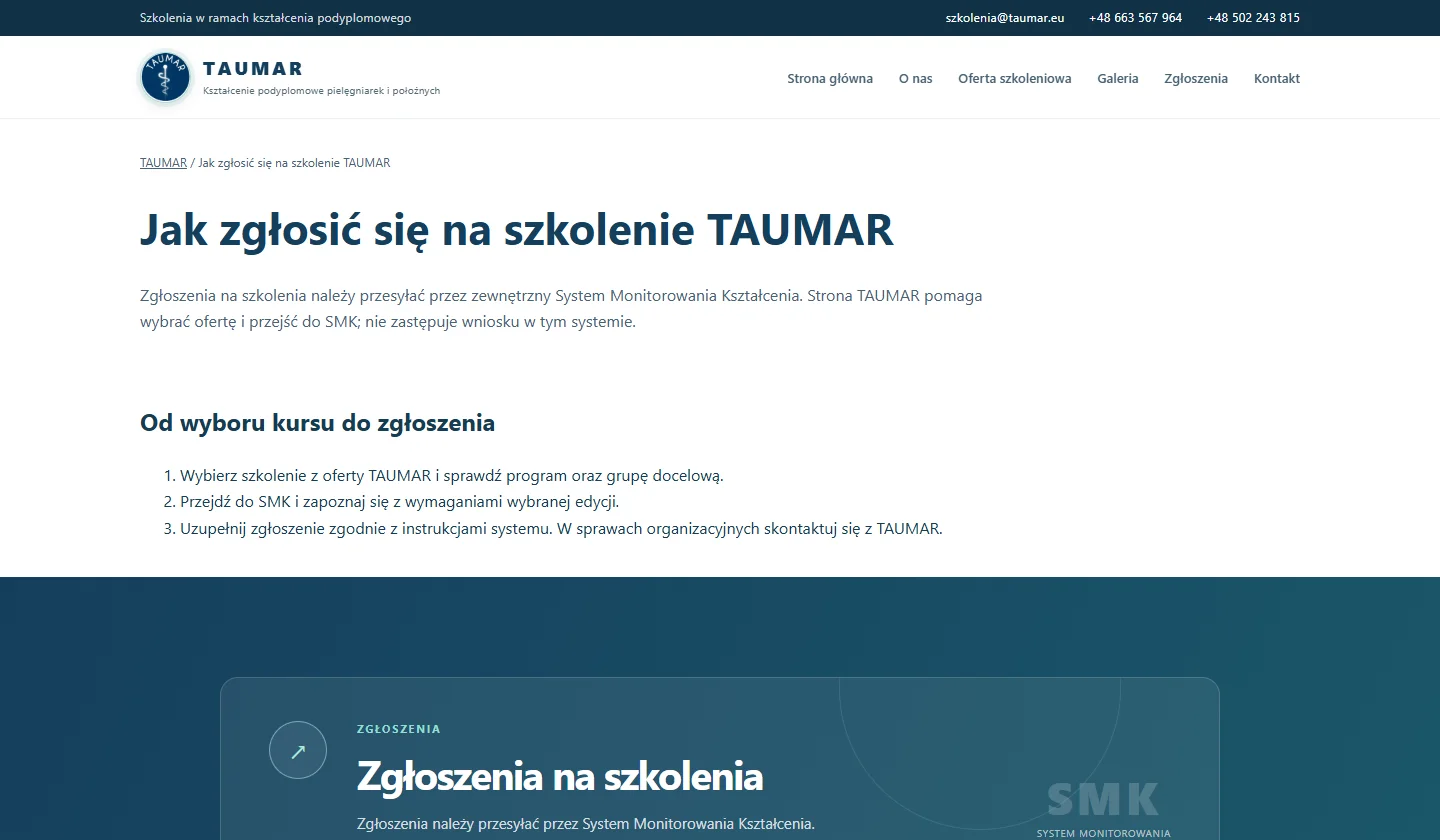
Technology and quality
Content available from the start
I built the website in HTML, CSS and JavaScript. Catalogue headings, descriptions and links are available without running scripts. The catalogue has its own metadata, canonical URLs and a sitemap, and structured data connects it to the provider. Direct links to the original sources make the information easier to verify.
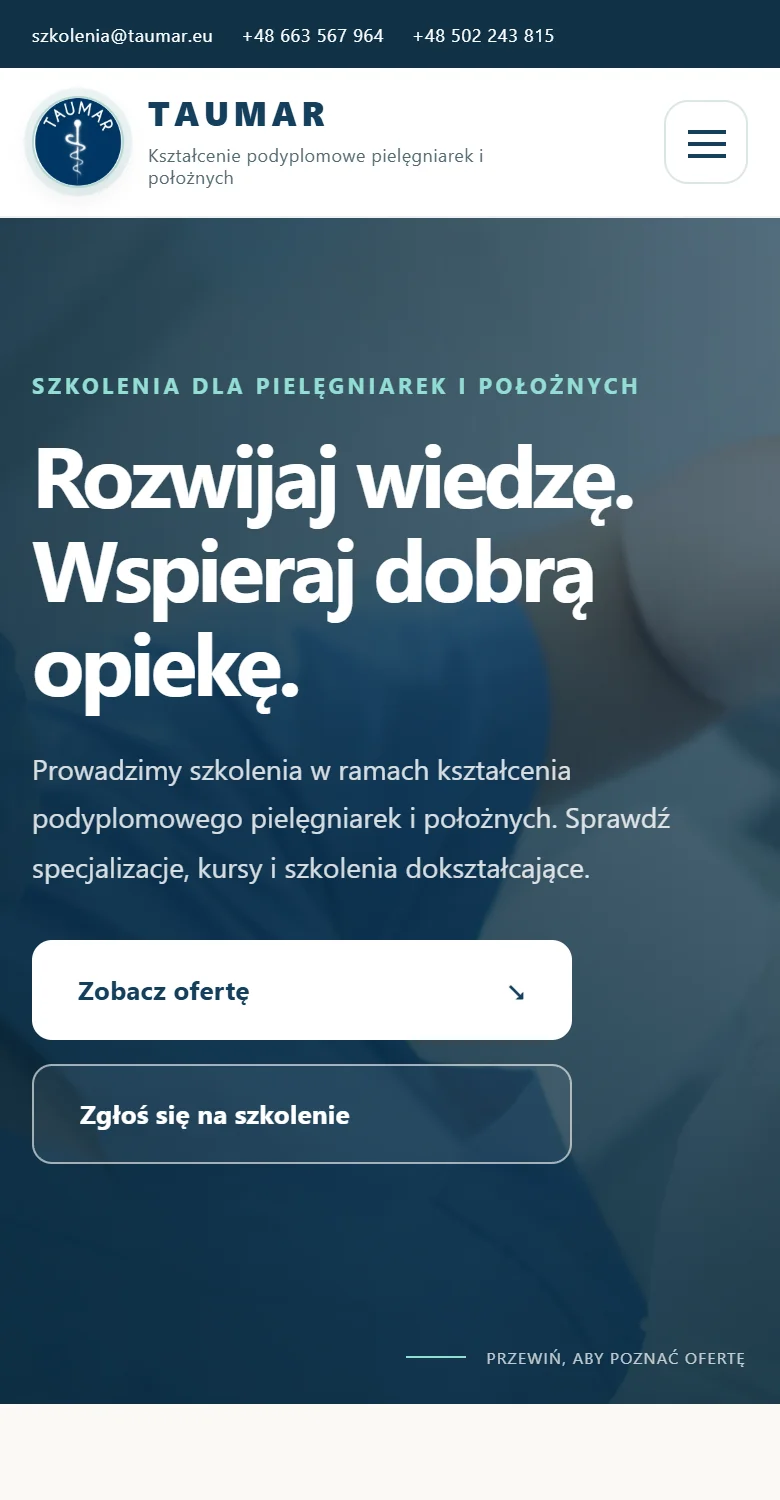
On a phone, the main actions appear near the top of the page, and the navigation folds into a menu. The capture shows the 390 px layout.
The result
A clear route from browsing to deciding
Visitors can start with the relevant category, check the source and find the next step on their own. The provider can share a direct link to the catalogue or application guide, depending on what a prospective learner needs.